
In short: Global Conditions must all be met for anything in the discount to apply. Per-Discount Conditions only control the one discount type they're added to. When a list has several conditions, all of them must be met.
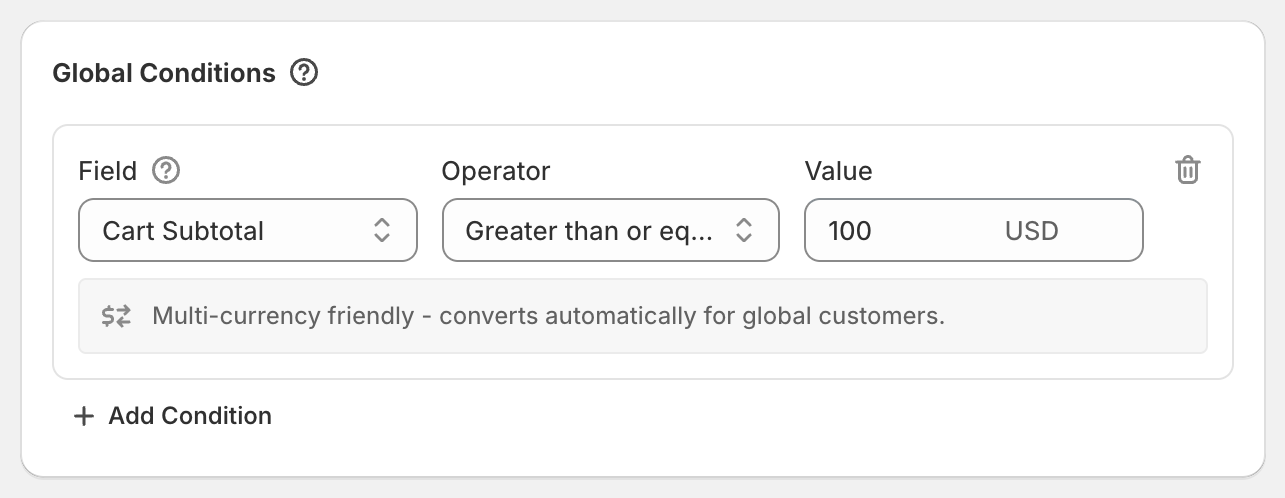
Global Conditions
Find these in the Global Conditions card near the top of the page. Use them for rules that apply to everything in the code, such as "VIP customers only" or "US orders only".
If any global condition isn't met, the customer gets none of the discount types in this code.
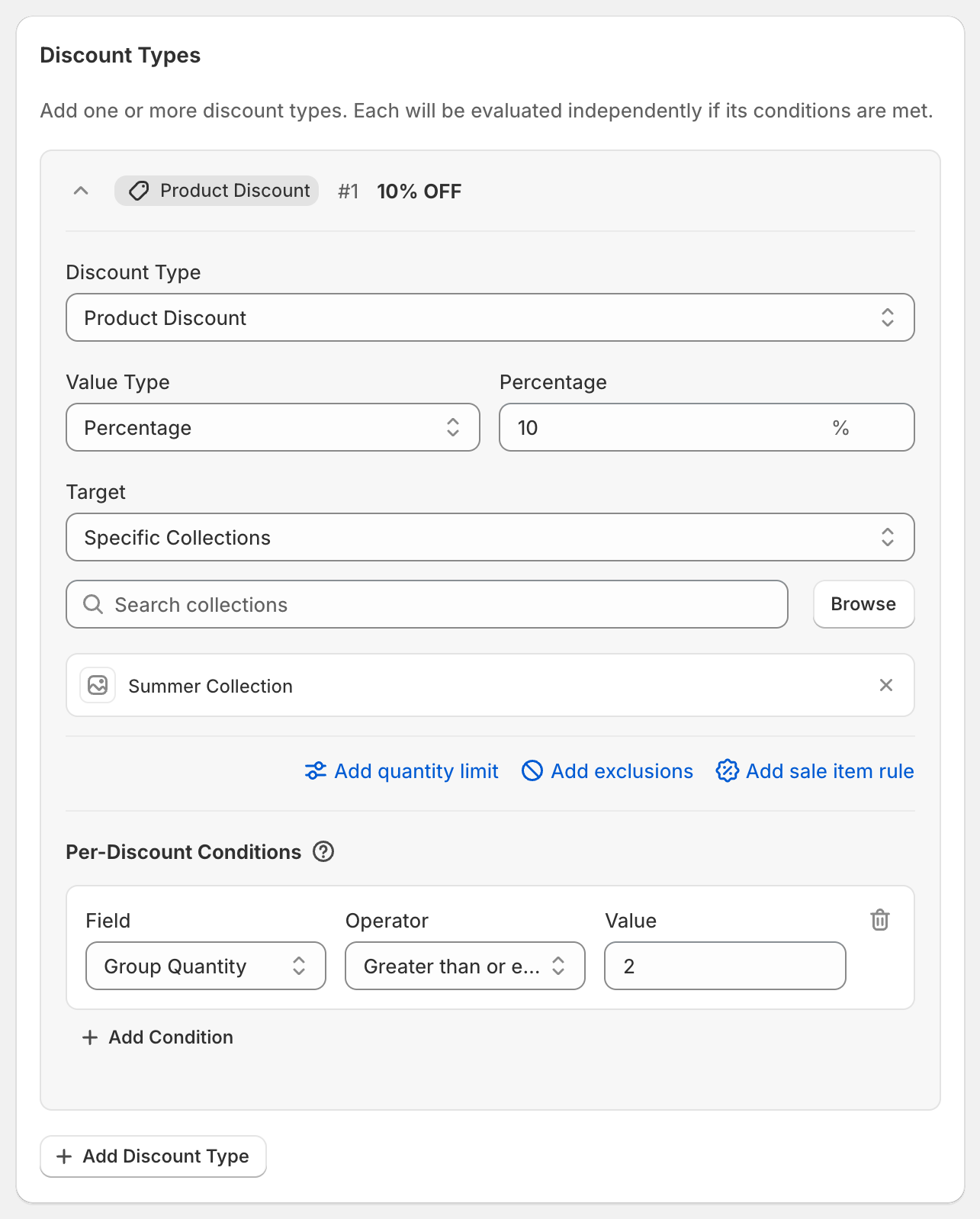
Per-Discount Conditions
Each discount type has its own Per-Discount Conditions section. Use them when one part of the code has extra rules, such as "the 30% only applies from $300" while the rest of the code still works.
If a per-discount condition isn't met, only that discount type is skipped.
Add a condition
Click Add Condition.
Pick a Field, for example Cart Subtotal.
Pick an Operator, for example Greater than or equal to.
Enter the Value, for example
100.To remove a condition, click the trash icon on its right.
Which conditions are available where
Global Conditions: Cart Subtotal, Cart Total, Cart Quantity, Product In Cart, Shipping Country, Customer Tag, Customer Segment.
Product discount: Group Subtotal, Group Total, Group Quantity, Item has subscription, Cart Subtotal, Cart Total, Cart Quantity, Shipping Country, Customer Tag.
Order discount: Cart Subtotal, Cart Total, Shipping Country, Customer Tag. With Limit to collections on, Included Items Subtotal and Included Items Quantity too.
Shipping discount: Match Another Discount's Rules, Cart Subtotal, Cart Total, Cart Quantity, Product In Cart, Shipping Country, Customer Tag.
"And", not "or"
Conditions in the same list all have to be met. There's no "either/or" option. To give a discount when either of two things is true, add two identical discount types with a different condition on each. For product and order discounts only the best one applies, so a customer who meets both rules still gets the discount once.
Good to know
Every condition is explained in this section: Cart Subtotal, Cart Total and Cart Quantity, Group and Included Items conditions, Customer Tag and Customer Segment, Shipping Country, Product In Cart and Match Another Discount's Rules.
Money values are entered in your store's currency and converted for customers paying in other currencies.
The summary on the right lists your global conditions so you can double-check them.