
In short: Choose Discount code if customers should type a code, or Automatic discount if it should apply to everyone who qualifies. You choose under Discount Method when you create the discount. It can't be changed after saving.
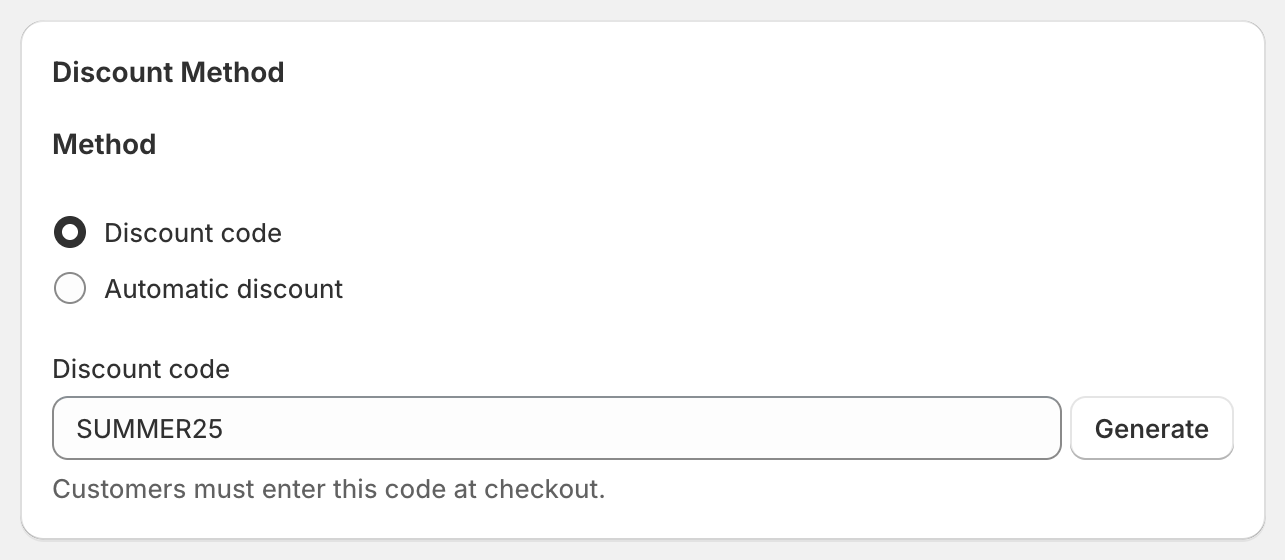
Discount code
The customer types the code in the cart or at checkout.
Type your own code, or click Generate for a random 12-character code.
The code is also the discount's name, in OneCode: Stackable Discounts, in Shopify's Discounts page and at checkout.
You can set Maximum discount uses and create Bulk Discount Codes.
Automatic discount
Applies by itself to every customer who meets its conditions. No code needed.
Give it a Title. Customers see it in their cart and at checkout, for example "Buy more, save more".
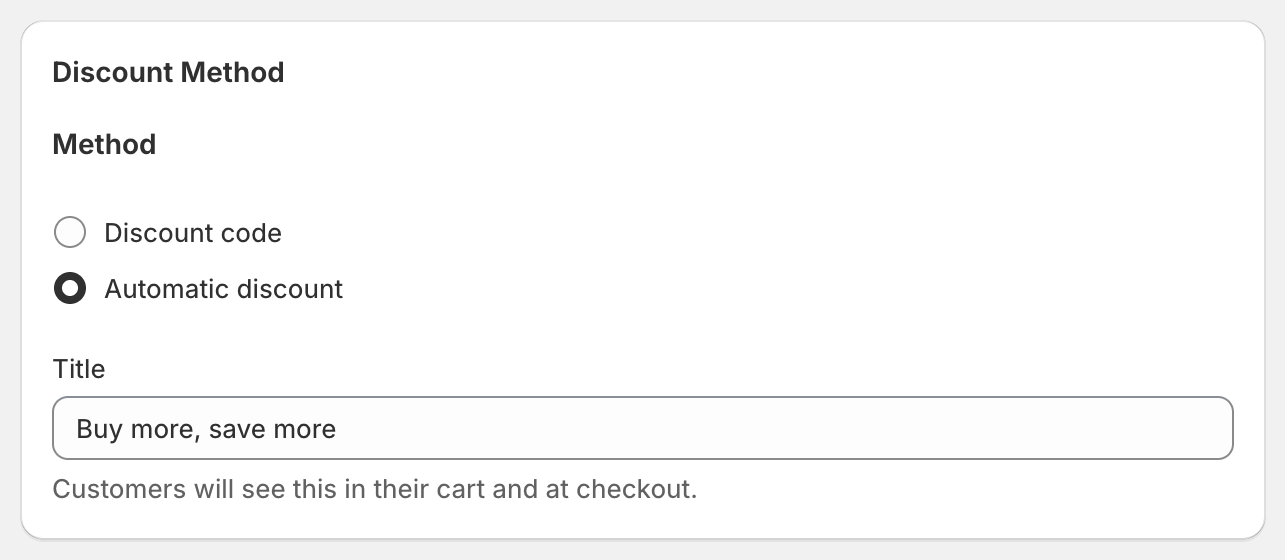
Usage limits and bulk codes aren't available, because there's no code to count.
Which should I use?
Code: influencer and email campaigns, VIP offers, anything you share with specific people, or when you need usage limits.
Automatic: store-wide sales and tiered offers you want every visitor to get without having to remember a code.
Good to know
To switch an existing discount between code and automatic, create a new discount with the same settings and delete the old one.
Shopify allows up to 25 active automatic discounts per store at the same time. This includes automatic discounts from Shopify and other apps.
You can change the code later on the edit page, unless the discount has bulk codes.