
In short: Check, in order: the discount's status and dates, its Global Conditions, the discount type's target, exclusions and Per-Discount Conditions, then combinations with other discounts. Most problems are a condition that isn't met or an item that's excluded.
1. Is the discount active?
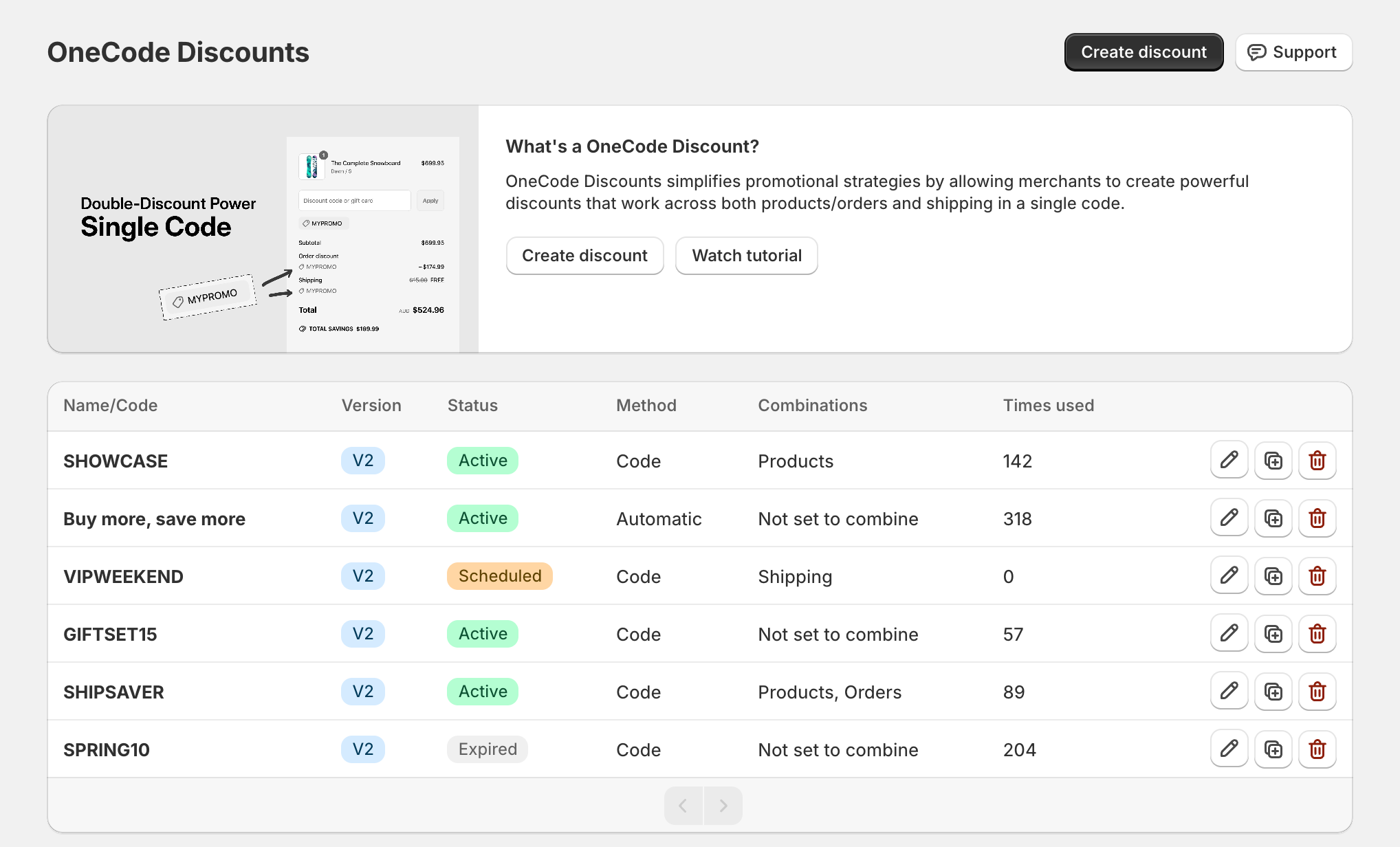
On the OneCode home page, check Status:
Scheduled: it hasn't started yet. Check the Start date and Start time, which use your store's time zone.
Expired: the end date has passed, or the discount was deactivated in Shopify's Discounts page. Edit the discount and move or clear the end date, or reactivate it in Shopify.
2. Is the code right?
Make sure the customer typed the exact code. Use the code shown in the Name/Code column.
Automatic discounts don't use a code. They apply by themselves when their conditions are met.
If the code has a usage limit, it may be used up. Check Times used.
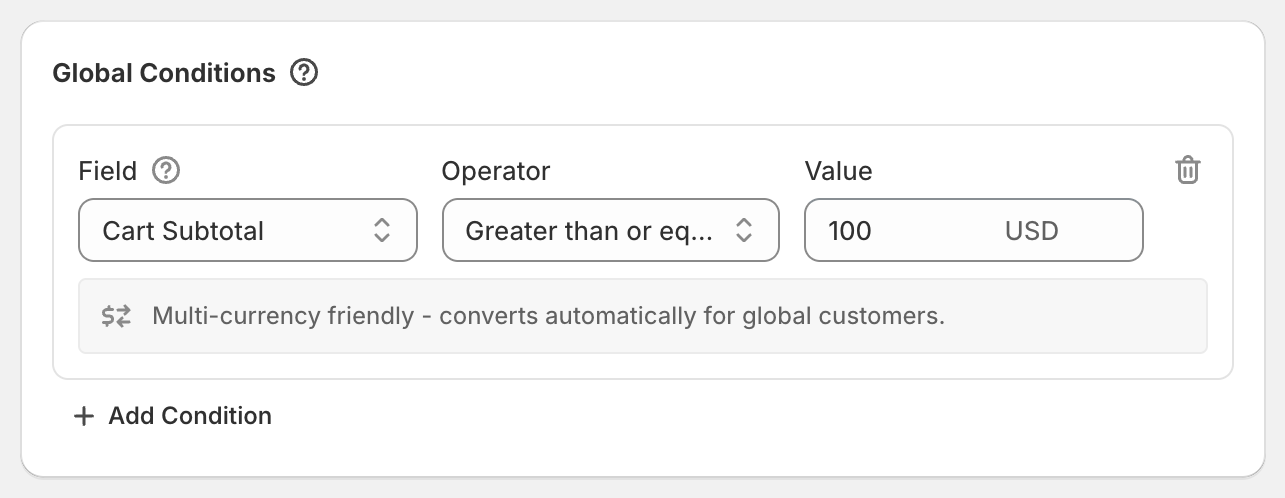
3. Are all the Global Conditions met?
If even one global condition isn't met, nothing in the discount applies. Common causes:
Cart Subtotal or Cart Total below the threshold. Thresholds are in your store's currency. Cart Subtotal uses normal prices before any discounts; Cart Total can be a little lower if Shopify has already reduced some item prices.
Customer Tag: the customer isn't logged in, or doesn't have the tag. Guests have no tags.
Customer Segment: the customer isn't in the segment, or Shopify can't recognise them yet. It checks the account, or the email or phone number entered at checkout.
Shipping Country: the store is showing the customer a different country (check your country selector), the shipping address isn't entered yet (for shipping discounts), or the country code is wrong. Use two-letter codes, such as
GBfor the United Kingdom.
4. Does the item match the target?
For Specific Collections, check the product is really in that collection in Shopify.
For Specific Products with variants chosen, only those variants are discounted.
Gift cards are only discounted when you pick the gift card product under Specific Products. All Products, Specific Collections and order discounts skip them, like Shopify's own discounts.
5. Is the item excluded?
Sale items set to Exclude sale items skips any item with a compare-at price higher than its price. Many stores have compare-at prices they've forgotten about.
Sale items set to Discount from the compare-at price gives nothing off items already reduced more than the discount. With 20% off, an item reduced from $100 to $70 stays at $70.
Exclude subscription items skips subscription purchases, and preorders sold with a Shopify purchase option.
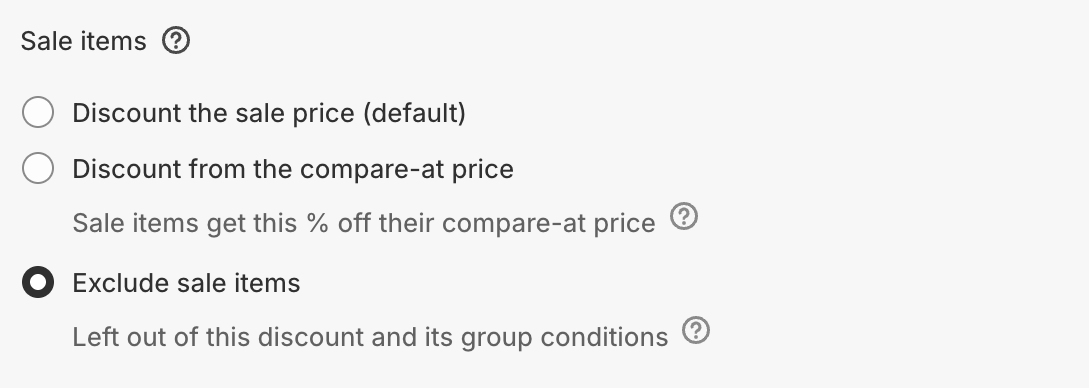
Excluded items also don't count toward Group conditions. See Sale items and subscription items.
6. Are the Per-Discount Conditions met?
Group Quantity and Group Subtotal only count targeted, non-excluded items. Cart Quantity and Cart Subtotal count the whole cart.
If a condition uses Group Total, remember it's measured after the discount itself.
7. Shipping discount not showing?
Shipping discounts only appear once checkout shows shipping rates.
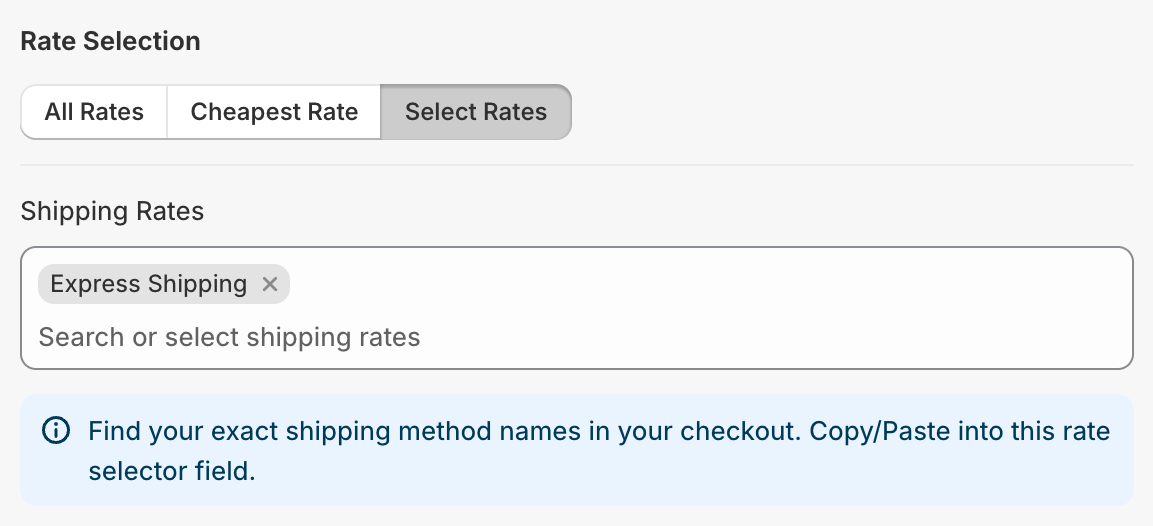
With Select Rates, the rate name must match the full name at checkout.
Expresswon't matchExpress Shipping.With Cheapest Rate, a rate that's already free can't be discounted further.
If the shipping discount uses Match Another Discount's Rules, the discount it follows must apply too.
8. Is another discount getting in the way?
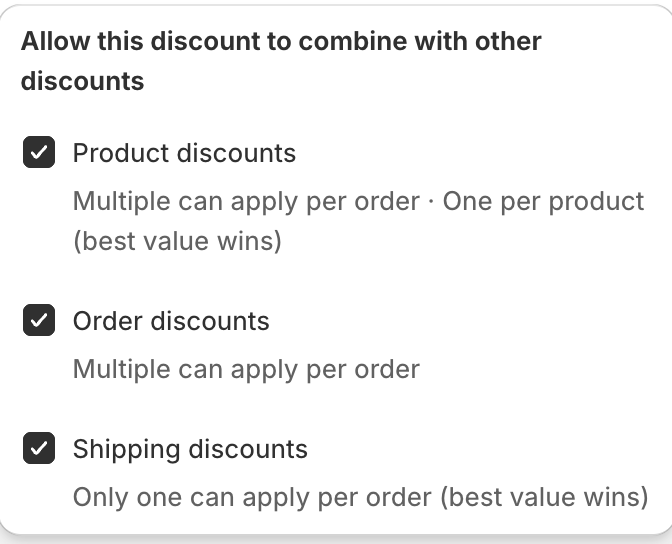
If the customer also has another discount, both must be allowed to combine. Check Combinations on the OneCode discount and on the other discount. See How OneCode discounts combine with your other discounts.
Each item only gets one product discount, unless you're on Shopify Plus with same-product stacking set up. A bigger discount from another discount can win.
9. Still stuck?
Test in a private browser window, so no old cart or login gets in the way. If it still doesn't work, contact us with the discount code and a description or screenshot of the cart. See Contact OneCode support.