
In short: Product In Cart checks whether chosen products are in the cart. Contains needs at least one of them, Contains (strict) needs the cart to hold only chosen products, and Does not contain needs none of them.
Set it up
Click Add Condition and pick Product In Cart. It's available as a Global Condition and on shipping discounts.
Choose an operator:
Contains: at least one of the chosen products is in the cart.
Contains (strict): at least one chosen product is in the cart, and every other item in the cart is also a chosen product.
Does not contain: none of the chosen products are in the cart.
Click Browse and pick the products. To require specific variants, click the pencil icon next to a product and choose them.
Worked examples
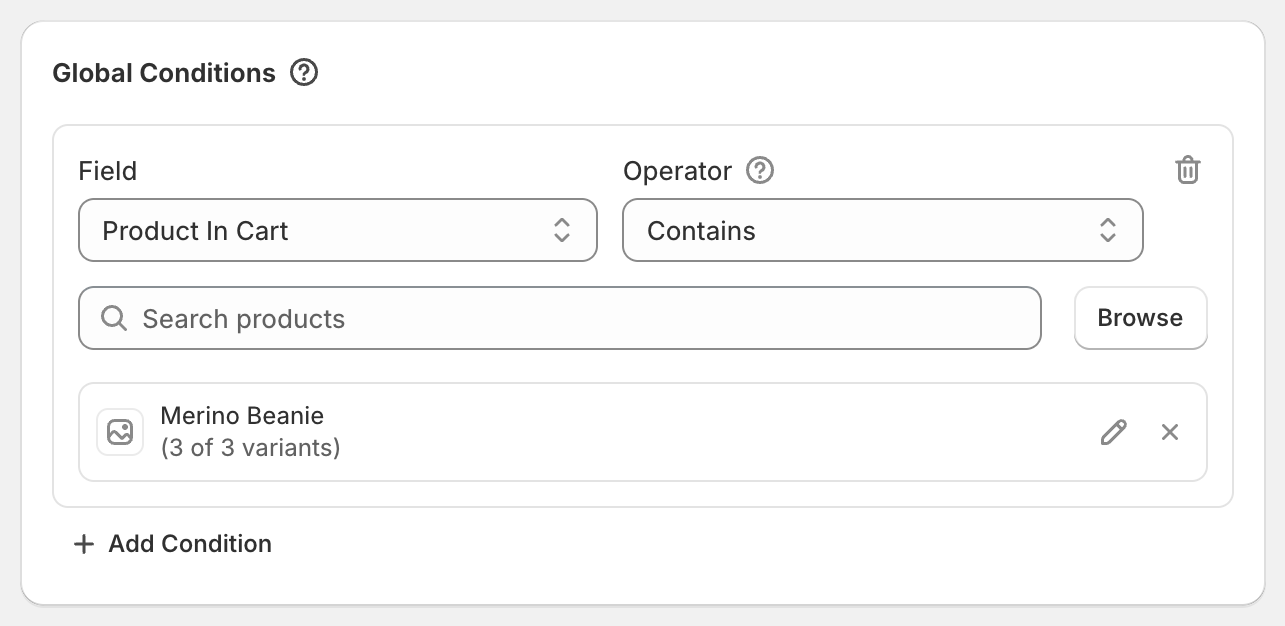
Buy a beanie, get 20% off accessories: Global Condition Product In Cart Contains Merino Beanie, plus a product discount of 20% on the Accessories collection.
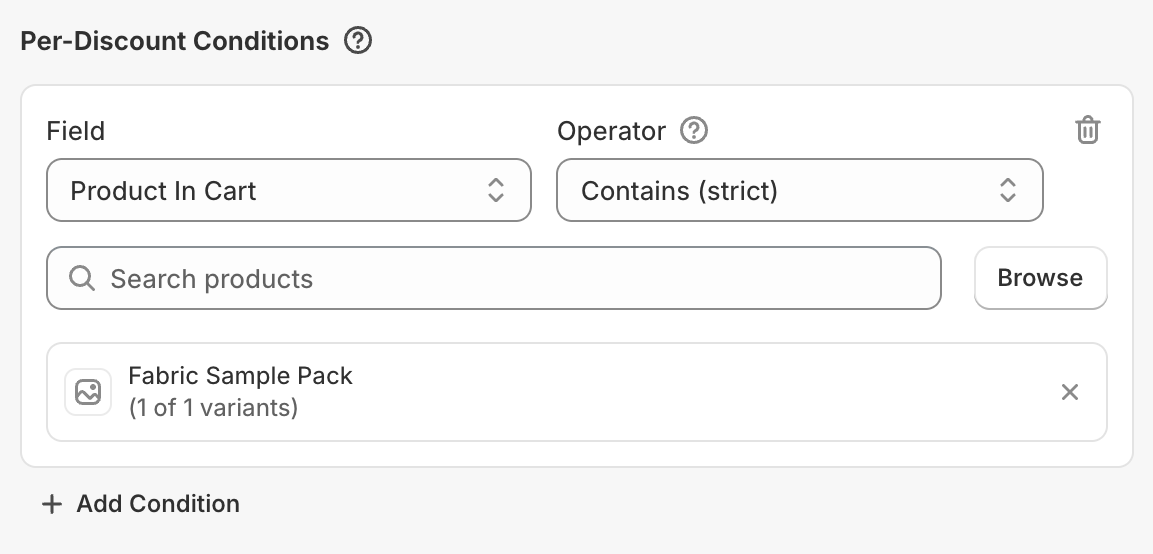
Free shipping on sample orders only: on the shipping discount, Product In Cart Contains (strict) your sample products. A cart with only samples gets free shipping. Add any other item and it doesn't.
Discount unless a gift card is in the cart: Product In Cart Does not contain your gift card product.
Good to know
If you chose specific variants, only those variants count as "in the cart". With Contains (strict), the "nothing else in the cart" check is looser: other variants of a chosen product are allowed.
Product In Cart decides whether the discount applies. It doesn't decide which items get it. Use the product discount's Target for that.
Product In Cart isn't available on product or order discounts. Add it as a Global Condition instead, or put that offer in its own code.