
In short: Enter spending thresholds and fixed amounts in your store's currency. OneCode: Stackable Discounts converts them for customers paying in other currencies, using Shopify's exchange rate. Percentage discounts are the same in every currency.
Spending thresholds are converted
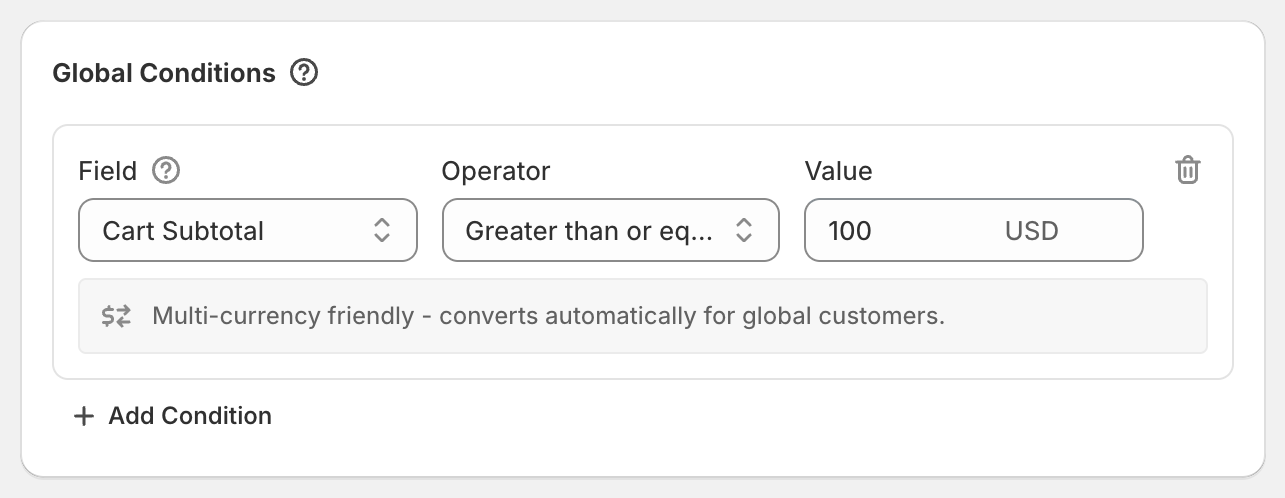
Money conditions (Cart Subtotal, Cart Total, Group Subtotal, Group Total and Included Items Subtotal) are entered in your store's currency. That's why the builder shows your currency next to the value and says "Multi-currency friendly - converts automatically for global customers."
Example: your store is in USD and the condition is Cart Subtotal at least 100. A customer paying in euros qualifies once their cart is worth $100, converted at Shopify's exchange rate for your store.
Fixed amounts are converted
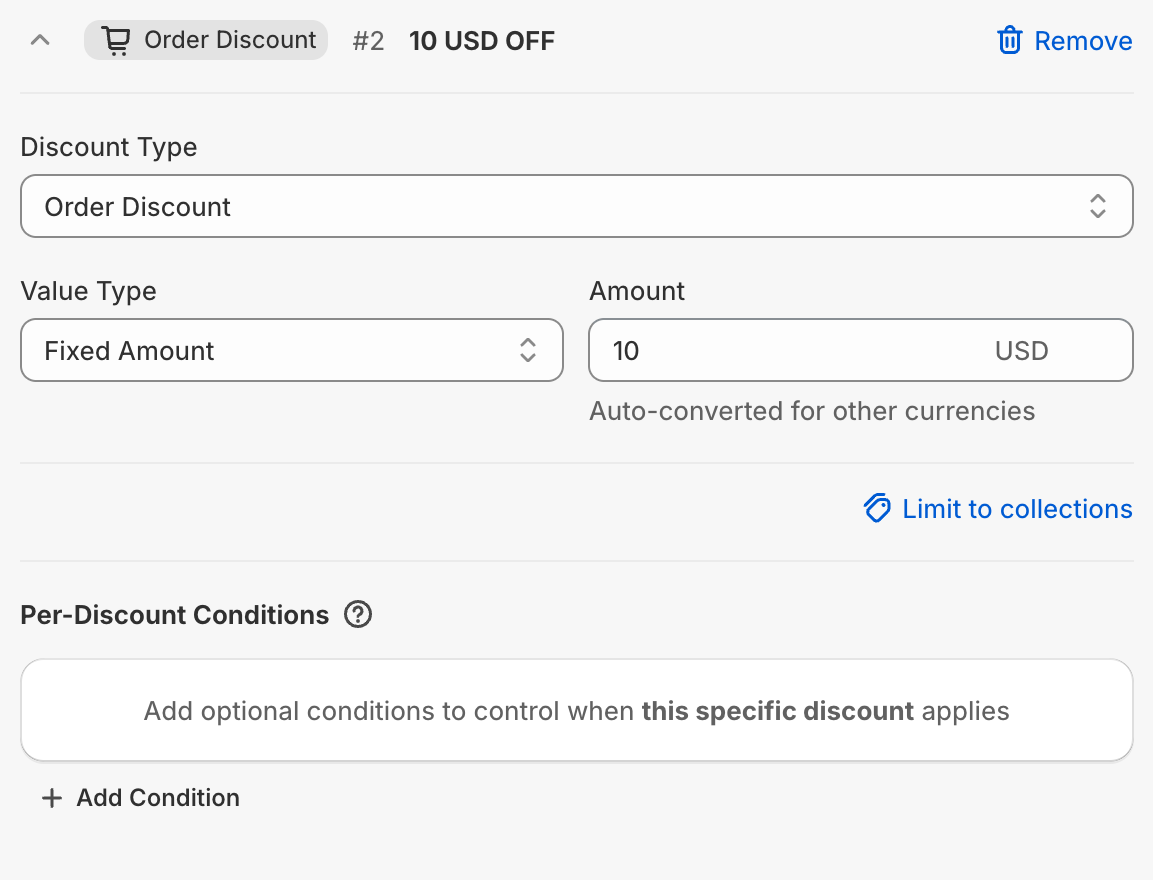
A Fixed Amount product, order or shipping discount is entered in your store's currency too. Customers paying in another currency get the same value in their currency.
Example: your store is in USD and the order discount is Fixed Amount 10. A customer paying in euros gets about €9.23 off, depending on the exchange rate that day.
Percentages work everywhere
20% off is 20% off in every currency. If you want a round number in every currency, use a percentage.
Good to know
Converted amounts aren't rounded to a whole number. A $10 discount can show as €9.23 off.
Fixed shipping discounts are labeled with the converted number at checkout, for example "4.62 OFF SHIPPING".
Quantities and percentages never need converting.