
In short: In Maximum discount uses, tick Limit number of times this discount can be used in total and enter a number, or tick Limit to one use per customer. Usage limits are only available on discount codes.
Set it up
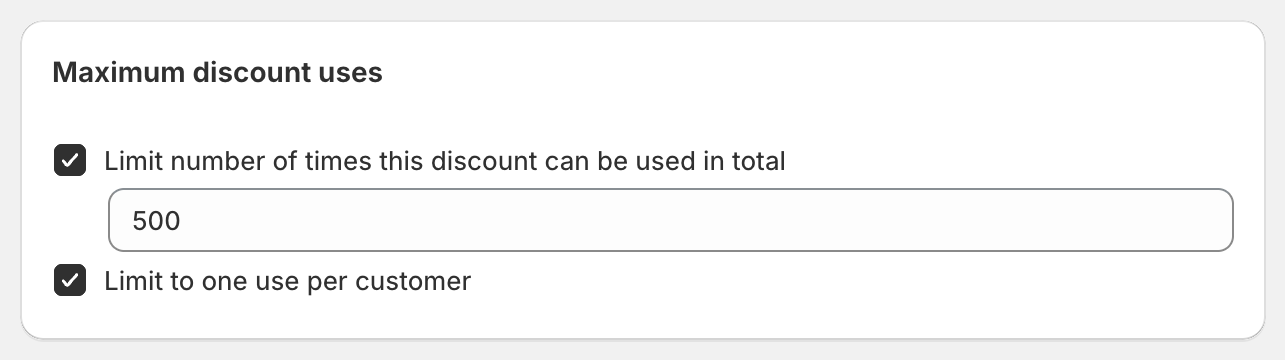
In Maximum discount uses, tick either or both:
Limit number of times this discount can be used in total: enter the number of orders that can use the code, for example
500.Limit to one use per customer: each customer can use the code once. Shopify recognises customers by their email address or phone number.
Save the discount.
Codes with bulk codes
If the discount has bulk codes, the limits apply to each code separately:
A total limit of
1makes every code single use. That's how you send unique one-time codes.
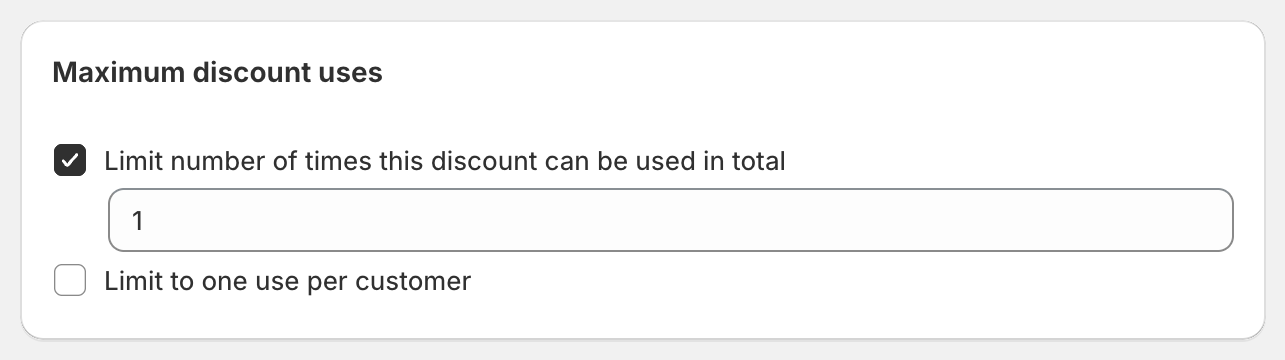
Limit to one use per customer means once per customer per code. A customer with two different codes from the same discount can use each once.
Good to know
Automatic discounts don't have usage limits.
A subscription with many payments counts as one use.
Times used on the OneCode home page shows how many orders have used the discount. With bulk codes, it's the total across all its codes.