
In short: Use Customer Tag to include or exclude customers by their Shopify tags, and Customer Segment to limit the whole discount to customers in one or more Shopify segments. Tags need the customer to be logged in. Segments also recognise customers by the email or phone number they enter at checkout.
Customer Tag
Available as a Global Condition and on every discount type.
Click Add Condition and pick Customer Tag.
Choose an operator:
Is one of: the customer has at least one of the tags.
Is not one of: the customer has none of the tags.
In Select or enter customer tags, pick tags from the list, or type a tag and choose Add "your tag".
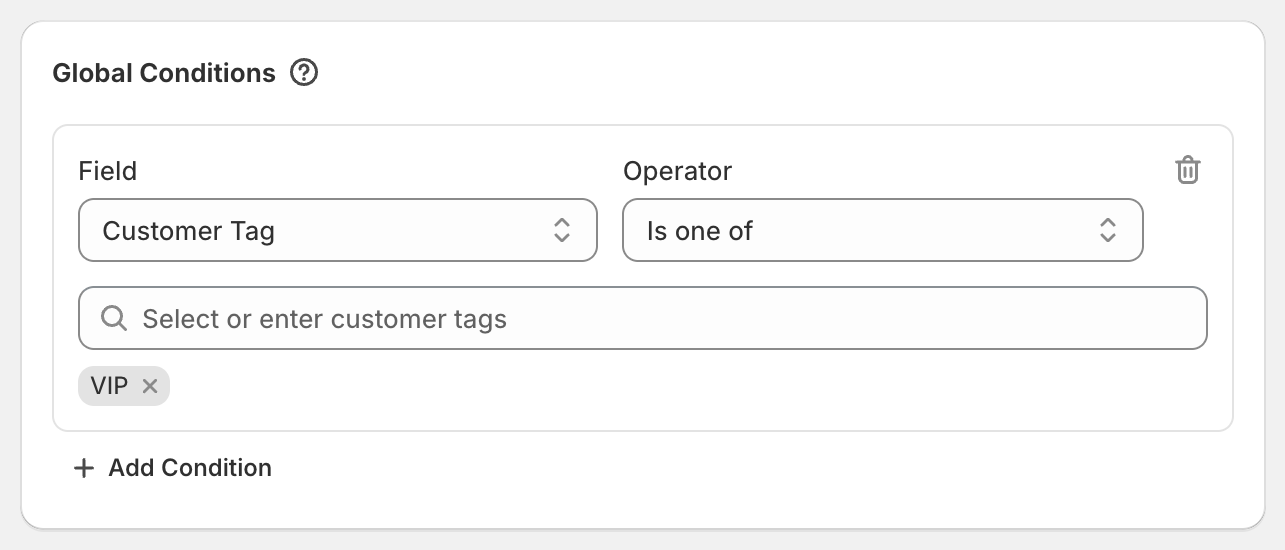
Worked example
A VIP-only code: Global Condition Customer Tag, Is one of, VIP. A logged-in customer tagged VIP gets the discount. Everyone else, including guests, doesn't.
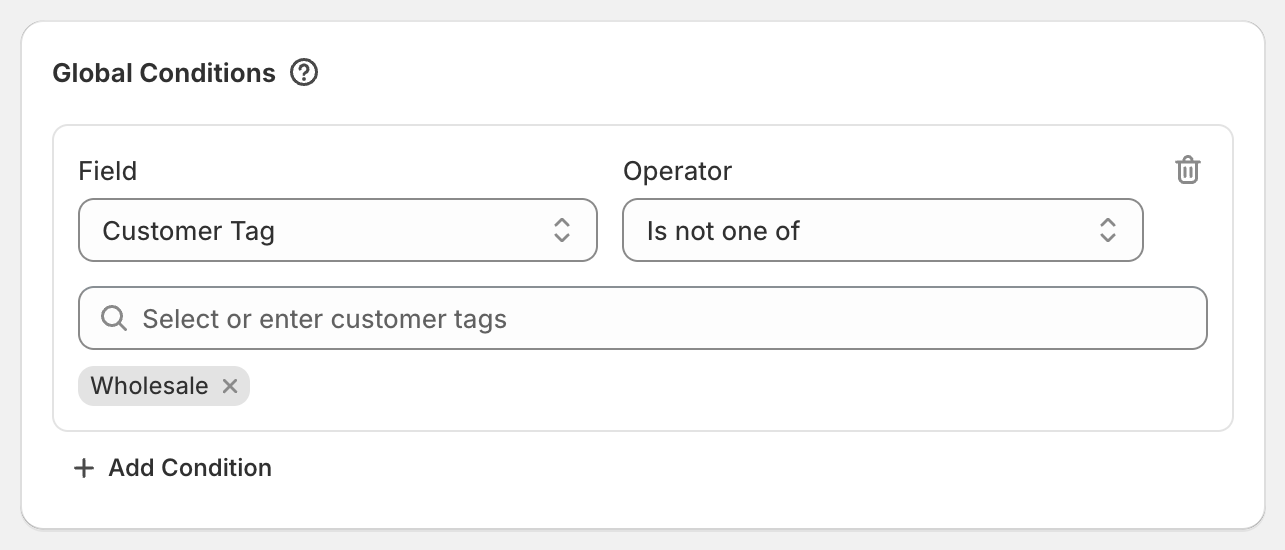
To give everyone except wholesale customers a discount, use Is not one of Wholesale. Guests have no tags, so they get this discount too.
Customer Segment
Available as a Global Condition only.
Click Add Condition and pick Customer Segment.
Click Search segments and pick one or more segments. They come from Customers > Segments in your Shopify admin.
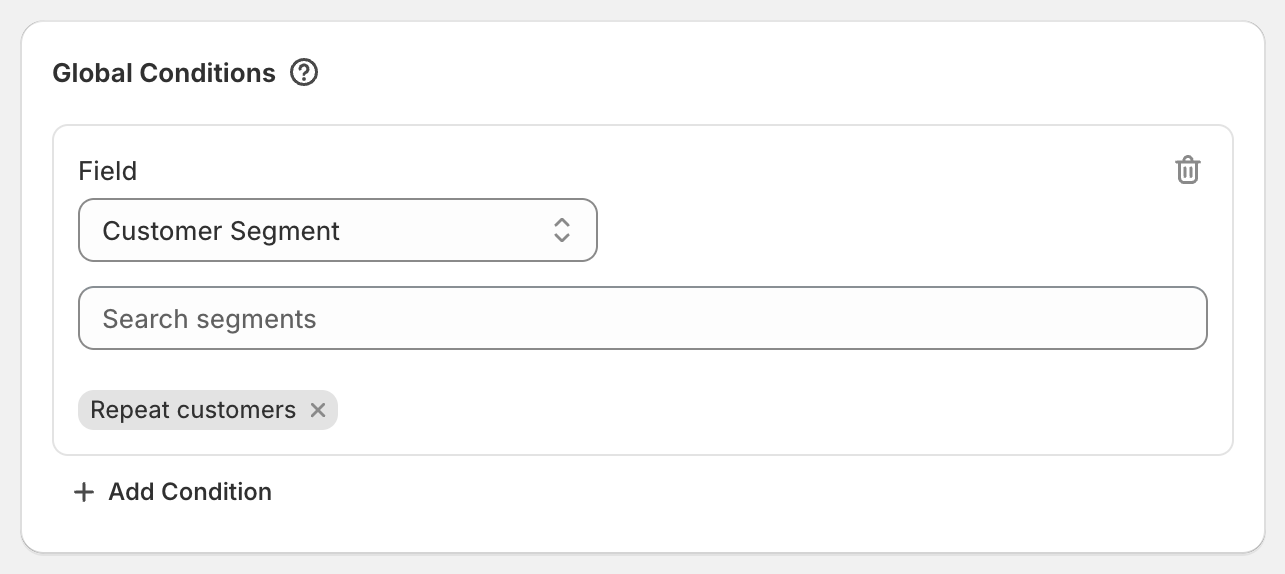
Shopify checks segment membership itself, the same way it does for its own segment discounts. Only customers in at least one chosen segment can use the discount.
Worked example: first-order discount
In Customers > Segments, create a segment of customers with no orders yet (for example the filter number_of_orders = 0). Then add Customer Segment and pick that segment. Shopify recognises the customer at checkout by their account, email or phone number. Shoppers who have never signed up or ordered have no customer profile yet, so they don't match. Newsletter subscribers and account holders with no orders do.
Good to know
Tags are only known for logged-in customers. Guests never match a tag with Is one of, and always match a tag with Is not one of.
Segments are matched by the logged-in account, or the email or phone number entered at checkout. Someone with no customer profile yet doesn't match.
Type tags exactly as they're spelled on your customers.
The tag list suggests tags from your customers. A brand-new tag can be typed in.
Customer Segment can only include customers, not exclude them. To keep certain customers out, tag them and use Customer Tag with Is not one of.